1. Choose photos with clear faces
Use one clear portrait. Good light and an unobstructed face help preserve the performer’s identity. Confirm that the person in the photo agrees to its use.
A SIMPLE PHOTO-TO-VIDEO GUIDE
Learn how to make a shareable solo rap video with AI from one photo. Choose a stage, music style and 480p or 720p, then review the 12-second result. No tool can guarantee a viral hit.
Credit cost depends on resolution. Photos upload only when you start generation.
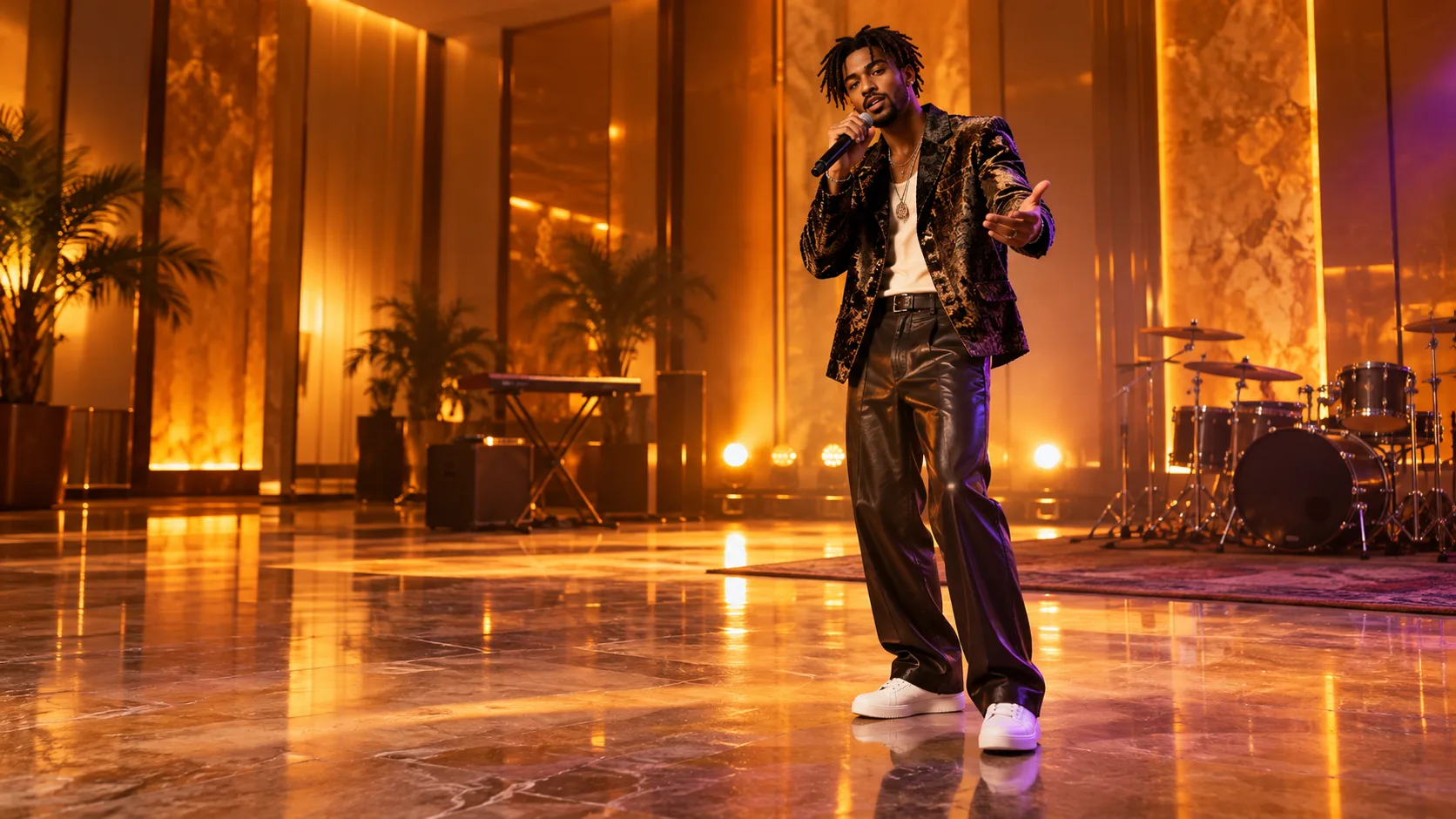 Illustrative stage preview · not a generated video
Use one clear portrait. Good light and an unobstructed face help preserve the performer’s identity. Confirm that the person in the photo agrees to its use.
Choose Hotel Lobby, luxury room, studio or street, then select a music style and 480p or 720p. A 12-second clip uses 20 credits at 480p or 25 at 720p.
Before submitting, confirm the performers, photo consent, stage, topic and resolution. After generation, review faces and audio before downloading or sharing.
Choose one clear portrait, select a stage and music style, set resolution and add a short topic. A configured SeeAPI account, private photo storage and video credits are needed. Shareable style does not guarantee viral reach.
You can preview the creative setup without paying. A finished render uses 20 credits at 480p or 25 credits at 720p; pack prices are shown in the pricing section.
Use a short, specific topic that describes one person’s moment, such as celebrating a road trip or a birthday on an orange hotel stage. The topic guides the scene; exact lyrics are not guaranteed. Avoid copying a real artist's face or voice.
No editing skills are needed: choose one portrait, a stage, music style and resolution, then review the output before sharing.
Make sure the person pictured agreed to it, review the likeness and audio for mistakes, and check that any music or image you use is yours or licensed for that use.